
Google Gemini can now create Word, Excel, and other types of files with a simple request
Google Introduces New Gemini Feature: Ready-Made Documents Directly in Chat
Google announced a significant update to its AI assistant Gemini—now it can create formatted files that can be downloaded and edited immediately without copying text.
What’s new?
* Downloading files from the conversation
Users no longer need to copy bot responses into Google Docs or other office programs. In the Gemini interface, a “Download” button appears, which opens the file in the desired format when clicked.
* Supported document types
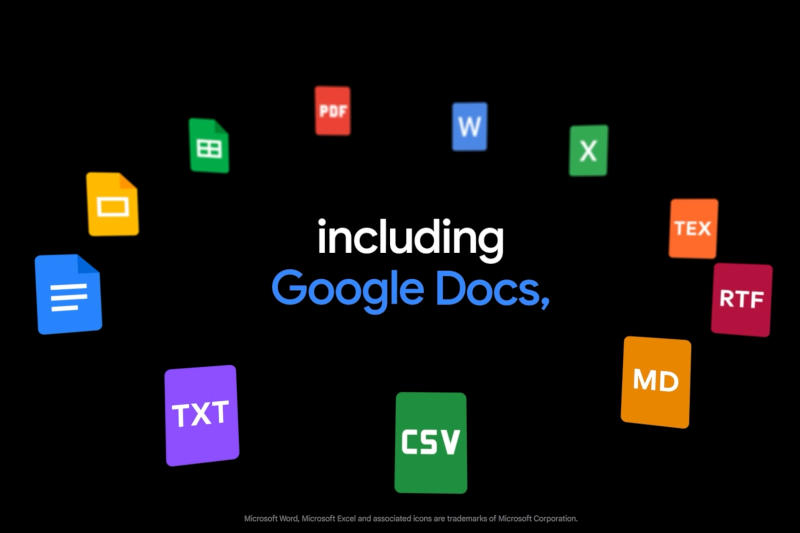
In addition to familiar Workspace files (.docx, .xlsx, .pptx), the assistant generates:
* PDF
* CSV
* LaTeX
* Plain Text (TXT)
* Rich Text Format (RTF)
* Markdown (MD)
* Ease of use
The more precise a user’s request, the more accurate the result. This allows a quick transition from brainstorming to a finished document without leaving the app.
Why it matters?
Google demonstrates its commitment to ensuring Gemini is compatible with external software, not just its own Workspace services. This step makes generative AI more flexible and useful in real work processes.
Market context
According to Statcounter (early 2026), Gemini holds 7.2% of the AI chatbot market share, while ChatGPT remains the leader at 80.5%.
Connection with other Google products
Earlier within Google Cloud, Workspace Intelligence was announced—a AI assistant for analyzing corporate data and generating documents. Gemini is not yet an autonomous agent, but this update marks significant progress in the company’s generative AI efforts.
Thus, the new update makes Gemini a more practical tool: ready-made documents are now available directly from chat, multiple formats are supported, and result accuracy depends on request detail. This opens new possibilities for users who want to quickly turn ideas into structured files.
 Asted Cloud
Comments (0)
Share your thoughts — please be polite and stay on topic.
Log in to comment