
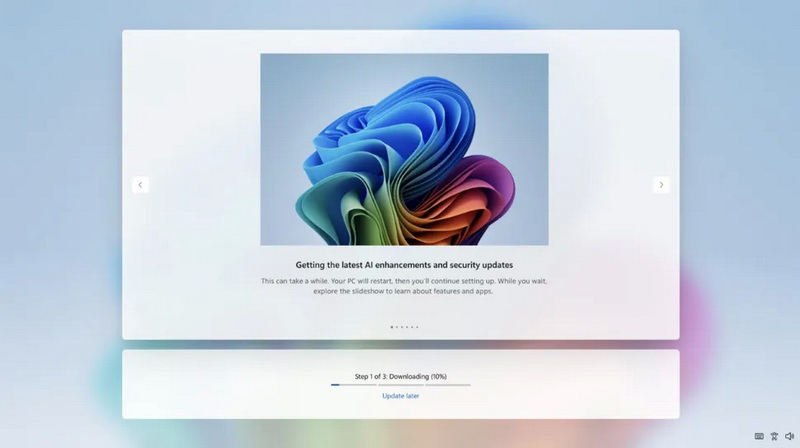
Microsoft now allows skipping the update installation on first launch of Windows 11
Microsoft Simplifies Initial Setup of Windows 11
The company announced a new change to the operating system’s initial setup process that allows users to skip installing updates immediately after turning on a new PC.
What Was There Until Now
When Windows 11 first boots, the user had to wait for all available updates to finish installing.
The wait time depended on the number of packages and could reach 30–40 minutes.
This approach made setting up a brand‑new computer noticeably slower than competing platforms (macOS, Chrome OS, Linux), where the startup process takes only a few seconds.
New Solution
Microsoft confirmed that installing updates is not mandatory.
The user can jump straight to the desktop and start using the device if they don’t want to wait.
> “If you decide to skip updates, the latest features and security fixes won’t be installed until you install updates after reaching the desktop,” explains Aria, a Microsoft engineer working on Windows Update Center.
Testing and Availability
The feature has been tested for several months in limited user groups.
Now it is available to everyone. It’s part of the company’s broader strategy to eliminate key shortcomings of Windows 11: speed up system performance, reduce annoying moments, and increase convenience.
What’s Next
Microsoft continues to work on improvements to the Update Center:
* The ability to defer updates indefinitely.
* Reducing restarts to once a month.
These steps aim to make the update process less intrusive and more flexible for end users.
 Asted Cloud
Comments (0)
Share your thoughts — please be polite and stay on topic.
Log in to comment