
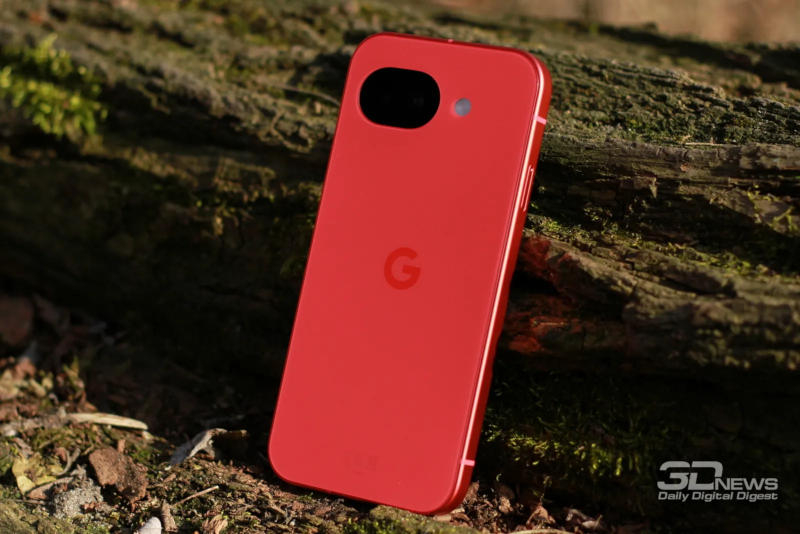
Pixel users complain that vibration turns off during calls
Problem with Incoming Call Vibration on Google Pixel
Several users have already noticed that when a call comes in, Pixel smartphones do not vibrate. Although the company has officially confirmed nothing, owners found several ways to work around the bug.
How the symptom manifests – When an incoming call arrives, the phone does not vibrate.
- The user only learns about a missed number through a notification.
- One message read “Silent mode is activated,” even though vibration was enabled and no special rules were applied.
Simple solutions that already work
Step What to do
1 Open Settings → Sound and make sure the toggle “Vibrate on incoming calls” is turned on.
2 Check the vibration intensity slider: sometimes it’s not set to 100 %.
3 In sound settings disable adaptive vibration for notifications, then enable and disable “Do Not Disturb” and “Sleep” modes to reset any possible “phantom” states.
4 Make sure the ringer tone is not set to “None.”
One user reported that these recommendations came from Google Support.
What official sources say
- On Reddit, the Pixel account tried to help owners, sometimes advising them to contact support.
- Google has so far not acknowledged the problem and has not offered a universal fix.
- In rare cases users were advised to reset to factory settings.
Conclusion
The issue with incoming call vibration on Pixel remains officially unresolved. Nevertheless, the listed workarounds help most users restore normal vibration function. If none of the methods help, it’s worth contacting support or considering a factory reset.
 Asted Cloud
Comments (0)
Share your thoughts — please be polite and stay on topic.
Log in to comment