
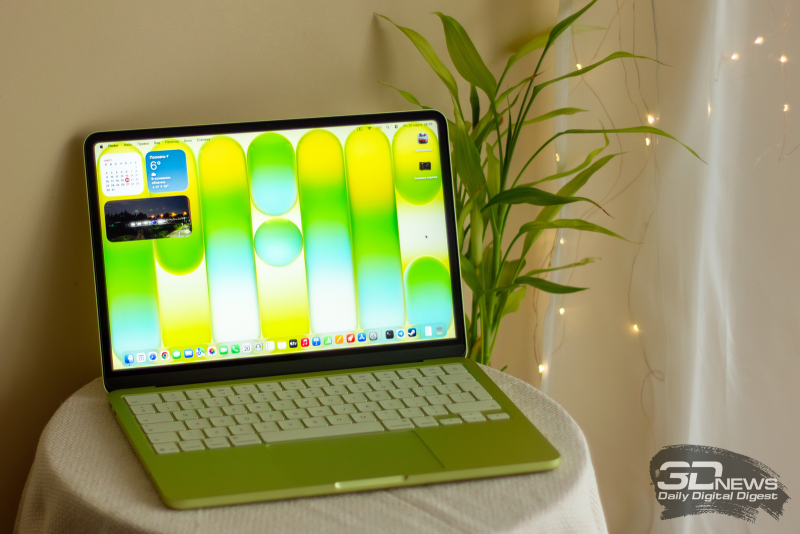
macOS Tahoe 26.4 now includes a compact tab bar in Safari, battery charging limits, and several new features
Apple unveiled macOS Tahoe 26.4
The company released the fourth major update to its operating system for laptops and desktop PCs – macOS Tahoe 26.4. This came just six weeks after the release of the previous version 26.3, which can be force-installed in the computer’s settings.
What’s new in Tahoe 26.4
Feature Description Safari Tab Bar The browser has restored a compact tab bar view that saves screen space and makes browsing pages more convenient. Battery Charge Limit Now MacBook users can set a maximum charge level from 80 % to 100 %. This will help extend battery life. Emoji Eight new symbols have been added. App Deprecation Warnings The system now shows notifications that some apps will stop working in the future. After macOS 27 is released, Apple will discontinue support for Rosetta 2, and apps using the emulator will warn that they will lose compatibility with macOS 28. Apple Creator Studio New features are included in the subscription for the Freeform app. Family Sharing The workflow has been redesigned: adult members of a group can now set their own payment methods instead of a single family method, as implemented in iOS 26.4.
Thus, Tahoe 26.4 offers a more compact Safari interface, improved battery management capabilities, and several updates for developers and users, including new emojis, app deprecation warnings, and expanded family sharing functionality.
 Asted Cloud
Comments (0)
Share your thoughts — please be polite and stay on topic.
Log in to comment