
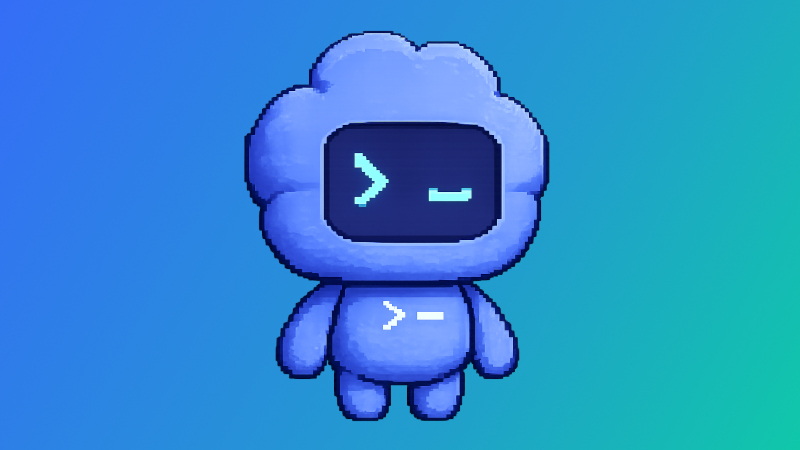
OpenAI has introduced animated AI “pets” in Codex to track work progress—available only on Windows and macOS
OpenAI adds “pets” to Codex
The company has expanded the capabilities of its code tool—Codex—by introducing animated “pets.” These icons appear over the screen and inform users about the agent’s progress while they switch to other windows.
What’s new?
* Built‑in characters – 8 options: classic cats and dogs, plus heroes from popular franchises (Star Wars, Harry Potter, Pokémon, Dragon Ball Z).
* Create your own pet – a user can define their image through a prompt to Codex. Created characters can be shared on a dedicated online platform.
* Real‑person icons – U.S. President Donald Trump, someone resembling Indian Prime Minister Narendra Modi, and even the nostalgic Microsoft Office assistant “Clippy.” The latter turned out to be one of the most popular among users.
The feature is already available in Codex for Windows and macOS; there are no official statements yet about iOS/Android support.
How it works?
* Animation appears when Codex completes a request or requires clarification from the user.
* Pets can be toggled in two ways:
* Enter the /pet command in the input field and choose “Wake Pet” / “Tuck Away Pet” in Settings → Appearance.
* Use the keyboard shortcut Cmd+K (macOS) or Ctrl+K (Windows).
About Codex
Codex is OpenAI’s AI agent designed to automate writing and correcting code. It launched in 2025 and already serves millions of users, including those without programming skills.
To use the new “pets” feature, open Settings → Appearance → Pets and select a ready‑made character or create your own via the local Codex environment.
 Asted Cloud
Comments (0)
Share your thoughts — please be polite and stay on topic.
Log in to comment